Why Visual Assets Are Your Brand’s Best Investment
Creating a high-quality visual asset library is similar to developing a visual vocabulary for your business. Instead of creating new content every time you launch a product, conduct a campaign, or change a detail, you may pull from a flexible pool of consistent assets that already conform to your brand language.
This strategy enables you to change quickly, remain consistent, and maintain a strong design message across all touchpoints, from catalogues and websites to Instagram carousels and digital showrooms.
In short, you stop planning for a specific time and begin designing for momentum.
Start with Smart 3D Models That Can Grow With You
Your 3D model isn’t just for a one-time render; it’s the foundation of your entire visual identity. When modeled with flexibility and uniform accuracy,, your base file can be reused to create cutouts, lifestyle scenes, and animations, or even updated to match new collections or finishes.
Make sure your 3D model includes key details like stitching, realistic material surfaces, and lighting compatibility. A well-built model can save you thousands in future revisions and open the door to photorealistic content at scale.
Incorporate precise material scanning as well, to ensure surface textures and finishes are captured with unmatched fidelity, elevating realism in every and - most importantly - making sure that virtual replicas stay true to life when used in collection and group images.
Don’t think of it as a technical file; think of it as a digital twin of your product that you can take out of your virtual warehouse anytime, built for storytelling.
Cutouts That Do the Heavy Lifting
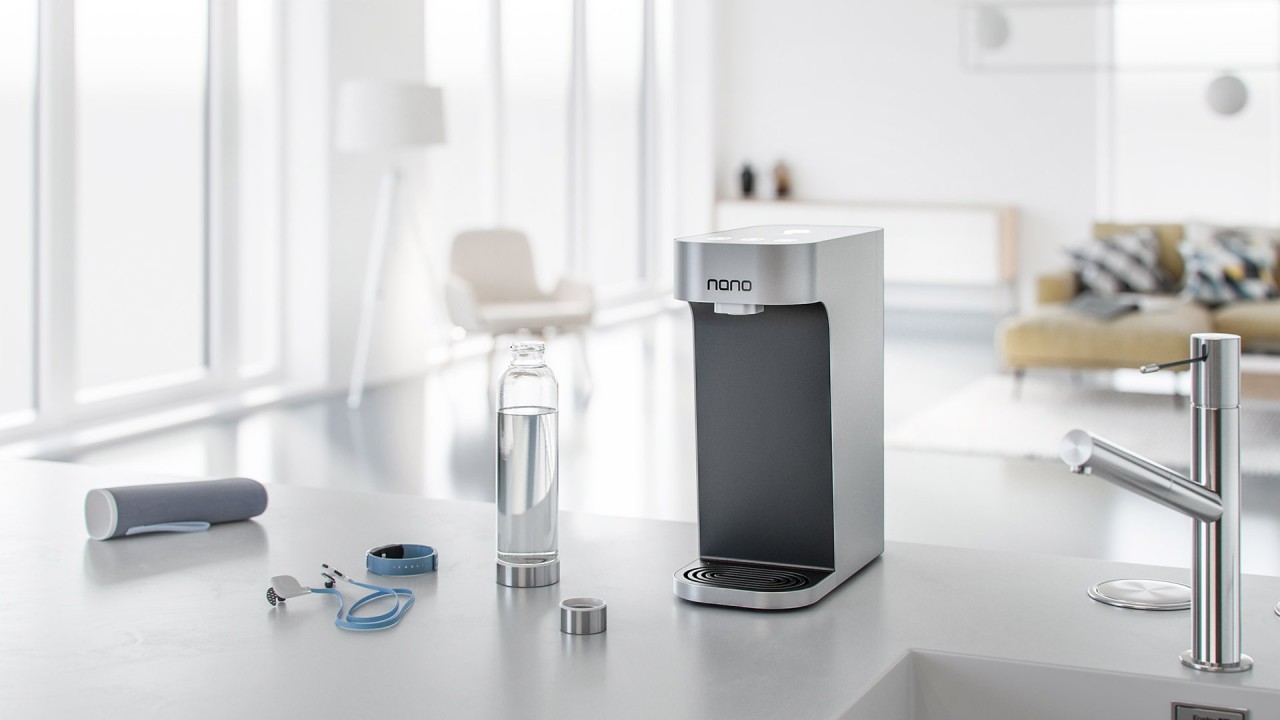
One of the most overlooked yet useful assets you can make is a good collection of transparent cutouts, clear, shadowed PNGs from various perspectives.
They are a multipurpose tool that may be used for social media mockups, pitch decks, merchant lists, catalogs, and more. To ensure that your products look great in any arrangement, aim for uniformity in lighting, resolution, and camera height.
Pro tip: To make it easier to mix and match when creating scenarios, prepare versions with and without shadows and include isolated objects (cushions, legs, surfaces).
Lifestyle Scenes That Evolve with the Seasons
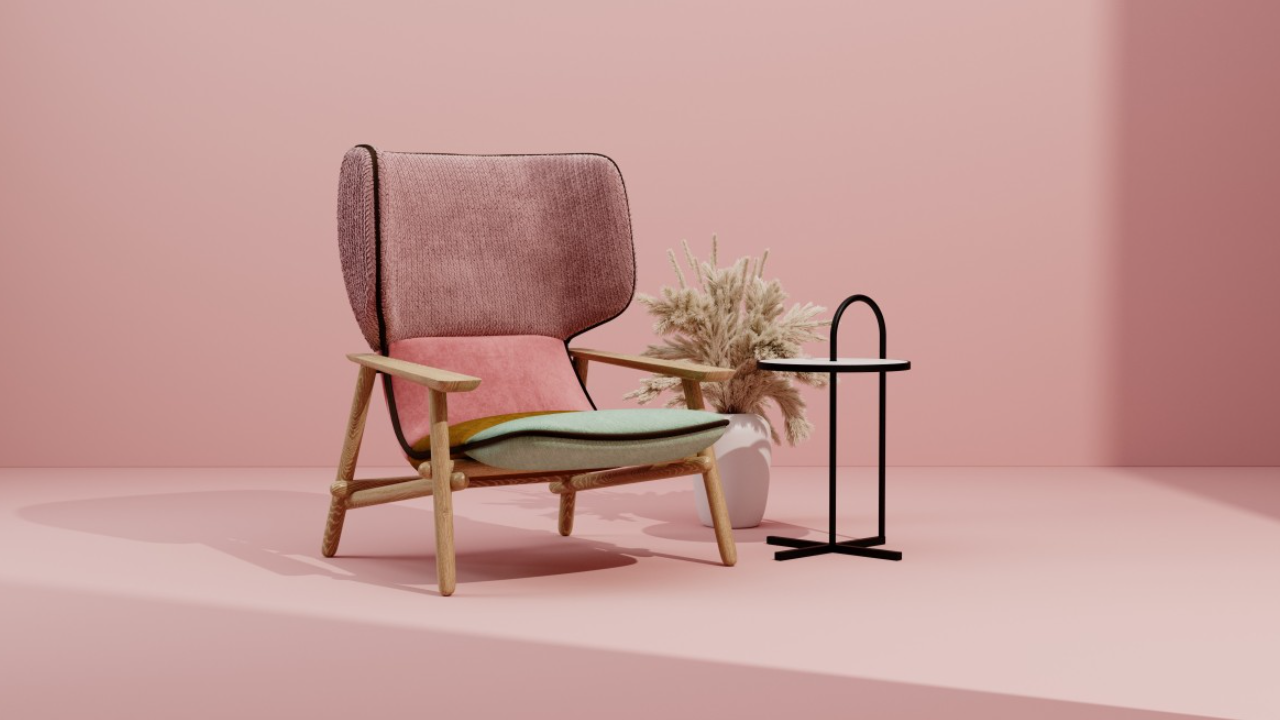
Your product doesn’t live in a vacuum, so don’t render it in one. Create lifestyle environments that can be easily adapted, change a wall color, swap out accessories, and adjust the light for summer or winter campaigns.
The trick? Build modular room sets with layers that can be toggled on and off in post. This way, you can refresh the mood or style without starting from scratch.
Over time, this approach creates a visual ecosystem where your products stay relevant and market-ready across seasonal drops and trend shifts.
Bring It to Life: 360° Views & Animations
Static images are great, but motion converts. If you really want to engage customers online or give retailers better sales tools, consider building in 360° spin views, simple assembly animations, or material swatches that animate between options.
These aren’t gimmicks; they help communicate product value, answer common customer questions, and drive conversion by reducing uncertainty.
And the best part? Once built, they can be repurposed in showrooms, product pages, social ads, and more.
Design for Reuse: Structure Your Files the Smart Way
To truly “design once and reuse forever,” you need to treat your visual assets like a content library, not a collection of files scattered in folders. Organize your assets, by product, by version, by use case, and maintain editable, layered versions wherever possible.
This means requesting native project files from your visualization partner (Blender, 3ds Max, etc.), or at the very least, layered PSDs and component exports.
Doing so turns every render into a reusable template, cutting turnaround times for future requests dramatically.
Prepare for Every Platform, from Pinterest to Print
Different platforms demand different formats, sizes, and compositions. If you prepare your assets with this in mind from the start, you save endless hours (and money) on resizing, re-rendering, and redesigning.
Ask your visualization team to provide assets in multiple aspect ratios (e.g. square, vertical, landscape), and in multiple formats (JPG, PNG, WebP, MP4). Always check if the resolution is high enough for both web and print use.
A good rule of thumb: if you can cover Instagram, Pinterest, your website, and your catalogue with the same base assets, you’re doing it right.
Final Thoughts: Build for Longevity, Not Just Launch
Your launch visuals shouldn’t expire after one campaign. With a bit of planning, you can create assets that continue to serve your brand through seasons, updates, and market expansions.
So next time you’re preparing a product for launch, ask yourself:
- Can this scene be reused later?
- Will this angle work on a brochure and an Instagram post?
- If I change the upholstery next season, can I reuse this room set?
The more you say "yes" to those questions, the more valuable and scalable your asset library becomes.
Design once. Reuse forever. And let your visuals do the selling.
If you're thinking about creating a more flexible visual asset library for your furniture brand, feel free to book a time to chat here: https://calendly.com/thegreypixel